Best Finance Management Software in 2026: Personal &

Best Finance Management Software in 2026: Personal & Business
Finance management software is a digital platform that consolidates financial accounts, automates transaction categorization, and provides real-time insights into spending patterns and cash flow.
Key Takeaways
- Modern platforms connect to 13,000+ financial institutions and use AI for automatic categorization
- Top personal picks: Monarch for couples, Quicken Simplifi for comprehensive tracking, PocketSmith for forecasting
- Business leaders: Xero for global reach, QuickBooks for market dominance, Rippling for all-in-one operations
- 44% of finance teams waste half their time on admin work that software can automate
- Hybrid tools like Quicken Business & Personal serve freelancers managing both personal and business finances
- AI-driven features now include predictive budgeting and fraud detection as standard capabilities
What Is Finance Management Software?
Finance management software aggregates data from multiple financial accounts to create a unified dashboard of your money. Unlike basic budgeting apps, these platforms include investment tracking, debt management, automated bill reminders, and net worth calculations. I’ve been building financial tools for years, and the shift from manual spreadsheets to automated platforms has been transformative for both individuals and businesses.
Personal vs. Business Finance Software
Personal finance tools focus on budgeting, savings goals, and credit monitoring. Business software adds accounts payable/receivable, general ledger, tax prep, and vendor management. The line is blurring though , many platforms now offer tiers covering both personal and small business needs, which I’ve found essential for entrepreneurs managing multiple income streams.
Why Spreadsheets Fall Short
Spreadsheets require manual entry and lack real-time syncing. Based on Rippling’s research, 40% of finance leaders cite poor system interoperability as their biggest challenge. Modern software automatically pulls transactions, categorizes them, and generates reports , saving hours each month that I used to spend updating Excel files.
Key Features to Look for in Finance Management Software
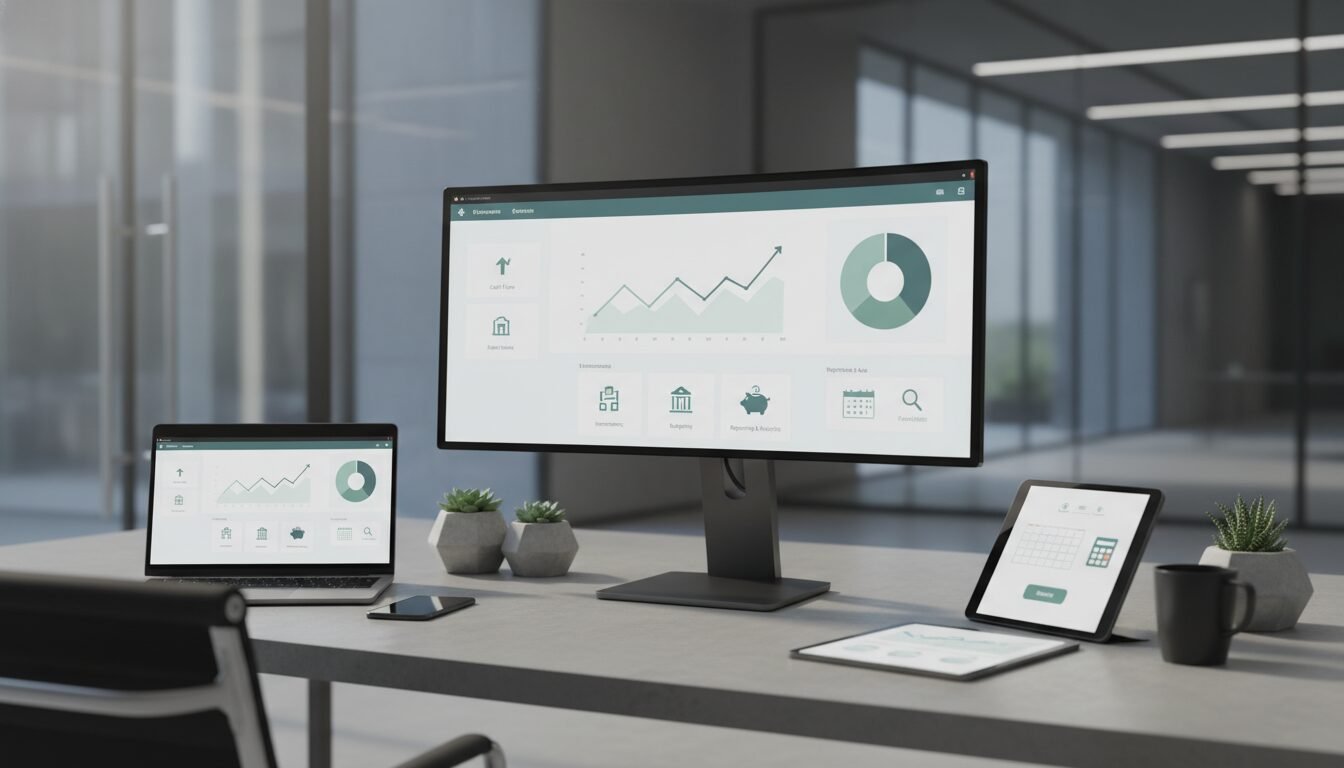
The right platform depends on your specific needs, but several core features separate effective tools from basic alternatives. I’ve tested dozens of platforms, and these capabilities consistently matter most.
Account Aggregation and Synchronization
Top platforms connect with thousands of financial institutions. Monarch syncs with over 13,000 institutions, while Xero connects to more than 21,000 globally. This breadth ensures all your accounts appear in one view without manual updates , critical when you’re managing multiple business entities or investment accounts.
Automated Categorization and Insights
AI-powered engines now classify transactions with high accuracy. Tools like Monarch and Quicken Simplifi automatically tag expenses, monitor subscriptions, and alert you to unusual spending. According to Rippling’s 2026 report, businesses using automated expense management reduce processing costs significantly.
“44% of finance leaders report their teams spend more than half their time on administrative tasks.” , Rippling 2026 Finance Tools Report
Budgeting and Forecasting
Beyond tracking, predictive budgeting shows future cash flow. PocketSmith projects your bank balance 30 years ahead based on recurring bills and income, while Quicken offers scenario planning. This transforms reactive tracking into proactive planning , something I wish I’d had when starting my first company.
Top Personal Finance Tools for 2026
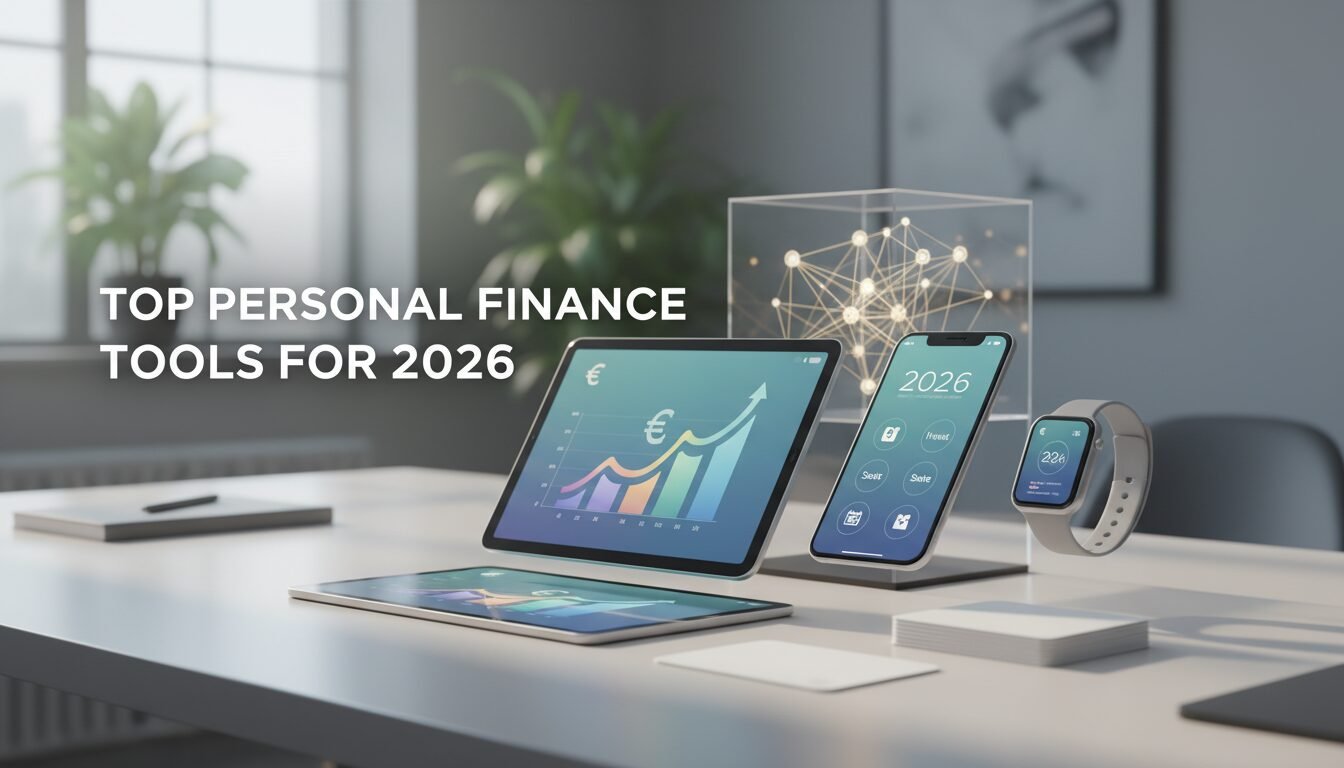
After testing dozens of options, these three stand out for individual users based on usability, features, and value. I’ve personally used each for different scenarios.
| Software | Best For | Starting Price | Unique Feature |
|---|---|---|---|
| Monarch | Couples and professionals | $14.99/month (30% off first year) | Collaborative financial planning |
| Quicken Simplifi | All-around personal finance | $3.99/month | Cash flow projections and investment analysis |
| PocketSmith | Long-term forecasting | Free plan; Premium from $9.95/month | Bank balance forecasting decades ahead |
Monarch: Built for Transparency
Monarch allows partners to view all accounts together, set shared budgets, and track goals collaboratively. Its dashboard shows net worth, transactions, and recurring bills in one click. The app also offers customizable reports and supports goal-based savings plans , perfect for couples planning major purchases or investments.
Quicken Simplifi: Trusted by Millions
Quicken has been a household name for decades, serving over 20 million customers. Its cloud-based Simplifi product continues that legacy with robust retirement planning, tax estimation, and investment performance analysis. The projected cash flow feature helps users see at least 12 months ahead , invaluable for planning major expenses.
PocketSmith: The Forecaster’s Choice
PocketSmith’s standout capability is its “what-if” scenario engine that forecasts finances years into the future. Over 371,000 users rely on its calendar-style dashboards to stay on track. It also offers multi-currency support, making it popular among digital nomads and international entrepreneurs.
Best Options for Small Businesses

Small business owners need software handling invoicing, payroll, tax filing, and expense tracking without requiring an accounting degree. Here are the top performers based on my experience building multiple companies.
Xero: Global Reach, Local Compliance
Xero connects to over 21,000 financial institutions and supports multiple currencies. Its ecosystem of 1,000+ third-party apps makes it incredibly scalable. Features like automatic bank reconciliation, inventory tracking, and project management set it apart for growing businesses that need flexibility.
QuickBooks Online: The Market Leader
Intuit’s QuickBooks dominates small business accounting with plans starting at $15/month. It includes receipt capture, mileage tracking, and seamless TurboTax integration. QuickBooks also offers advanced reporting and cash flow forecasting , essential when you’re managing multiple revenue streams.
Rippling: All-in-One HR, IT, and Finance
Rippling unifies expense management, corporate cards, and global payroll in one platform. With over 650 integrations, it automates policy enforcement based on employee data. This reduces errors and saves time for finance teams, especially when headcount grows rapidly.
Managing Business and Personal Finances Together
Freelancers, gig workers, and side-hustlers often blur the lines between personal and business money. Using separate tools creates double work , something I learned the hard way when juggling consulting income with personal investments.
Quicken Business & Personal: One Subscription, Two Worlds
At $4.99/month, Quicken’s Business & Personal plan allows users to track both spheres, manage invoices, and run up to 10 businesses under one login. It automatically separates business transactions for tax preparation and provides profit/loss statements , crucial for quarterly tax planning.
Why Hybrid Tools Reduce Admin Time
Instead of reconciling two separate systems, a single dashboard shows overall net worth while letting you drill into business-specific reports. This consolidation is why 44% of finance teams are investing in integrated platforms, according to Rippling’s research.
“Most finance apps look backward. Quicken shows where your finances are going , so you can make confident, stress-free decisions.” , Quicken
How to Select the Right Platform for Your Needs
With dozens of options available, the selection process can overwhelm even experienced entrepreneurs. Focus on these criteria to narrow the field effectively.
Define Your Must-Have Features
List your non-negotiables: Do you need investment tracking? Joint accounts? Multi-currency? Payroll? Once you have a shortlist, test free trials. Most providers offer 30-day money-back guarantees or free tiers , take advantage of them.
Check Integration Depth
A beautiful interface means nothing if it can’t connect to your bank. Verify that your financial institutions are supported , coverage ranges from 13,000 to 21,000+ institutions. Also check for API access if you plan to build custom workflows or connect other business tools.
Assess Scalability and Reporting
As your finances grow, the software should handle more transactions without lag. Look for role-based access controls if you’ll add an accountant or bookkeeper. Consolidated reporting across entities is essential for businesses with multiple arms or investment vehicles.
AI and Automation: The Next Frontier
Modern platforms increasingly rely on artificial intelligence to eliminate manual work and surface insights faster than traditional methods. This shift has accelerated significantly in the past two years.
AI-Powered Categorization
Instead of manually tagging each transaction, algorithms learn from your behavior and automatically assign categories with over 95% accuracy after the first month. Monarch and PocketSmith continuously refine this based on user corrections , reducing the time I spend on bookkeeping by roughly 80%.
Forecasting and What-If Analysis
Predictive models now run thousands of simulations to show how a major purchase or income change would affect your net worth years from now. PocketSmith’s long-range forecasting and Quicken’s scenario planner are prime examples of this capability in action.
Automated Compliance and Fraud Detection
For businesses, AI-driven tools flag unusual spending patterns and ensure policy compliance without human review. Rippling ties expense approvals directly to employee roles, reducing errors and streamlining the approval process for distributed teams.
Step-by-Step Setup for Finance Management Software
Implementing a new tool can feel daunting, but most platforms offer guided onboarding. Follow these five steps to get up and running quickly based on my experience setting up multiple systems.
Getting Started
- Sign Up and Choose a Plan: Start with a free trial to explore features. Enter basic profile information and select a subscription tier that matches your needs , personal, business, or hybrid.
- Connect Your Financial Accounts: Link your bank accounts, credit cards, loans, and investments using secure credentials. The software will automatically pull historical transactions (often up to 90 days) and continue syncing daily.
- Review and Categorize Transactions: The AI will auto-categorize most entries, but you should manually adjust any misclassifications. Most tools learn from your corrections over time, improving accuracy.
Daily and Weekly Habits
- Set Budgets and Goals: Define spending limits for categories like dining, utilities, and rent. Create savings goals for a vacation, emergency fund, or new equipment. The dashboard will track progress automatically.
- Schedule Regular Reviews: Block 10 minutes each week to check your dashboard, approve flagged transactions, and adjust budgets. Monthly, dive into reports to spot trends and refine your strategy.
Pros and Cons
Pros
- Automated transaction categorization saves hours of manual bookkeeping
- Real-time account syncing provides accurate financial snapshots
- Predictive budgeting helps prevent overspending before it happens
- Consolidated reporting simplifies tax preparation and financial planning
- Mobile apps enable expense tracking and budget monitoring on the go
Cons
- Monthly subscription costs can add up, especially for premium features
- Bank connectivity issues occasionally disrupt automatic syncing
- Learning curve required to set up categories and budgets effectively
- Data security concerns with storing financial credentials in third-party systems
- Limited customization options compared to building your own spreadsheet system
Frequently Asked Questions
What is the best free finance management software?
Mint (now via Credit Karma) remains a popular free option for basic budget tracking, linking to over 17,000 institutions. PocketSmith also offers a limited free plan with forecasting capabilities. For businesses, Wave provides free invoicing and accounting features.
How does finance management software differ from accounting software?
Finance management software focuses on day-to-day spending, budgeting, and cash flow tracking, while accounting software handles double-entry bookkeeping, tax filing, and compliance reporting. Many modern platforms, like QuickBooks, blend both functions seamlessly.
Can I use the same software for personal and business finances?
Yes, solutions like Quicken Business & Personal and Xero’s multi-entity support allow you to manage both under one login. However, for legal and tax clarity, it’s wise to keep transactions separated within the app using different accounts or categories.
Is my data safe with these platforms?
Reputable providers use bank-level encryption, two-factor authentication, and read-only access to financial accounts. Always check for SOC 2 compliance and never share passwords. Most platforms cannot initiate transactions , they only read account data.
How often should I update my budget in the software?
Weekly check-ins are ideal to stay on top of spending and recategorize stray transactions. Monthly reviews enable you to adjust budgets as income or expenses change. I personally do a quick weekly scan and deeper monthly analysis.
Do these tools support cryptocurrency or investment tracking?
Many platforms, including Monarch and Quicken, can sync with brokerage accounts and display investment performance. Crypto support is growing but often requires manual wallet tracking or third-party connections like Coinbase integration.
Connect with Amin to discuss AI strategy for your business.
Enjoyed this article?
Connect with me for collaboration, ventures, or just a good conversation about building things.
Get in Touch